Use an AI Companion App Online in Your Browser
Open Darlink AI on the device you already use. The responsive browser experience gives you character discovery and chat without an app-store installation.
Start Chatting Free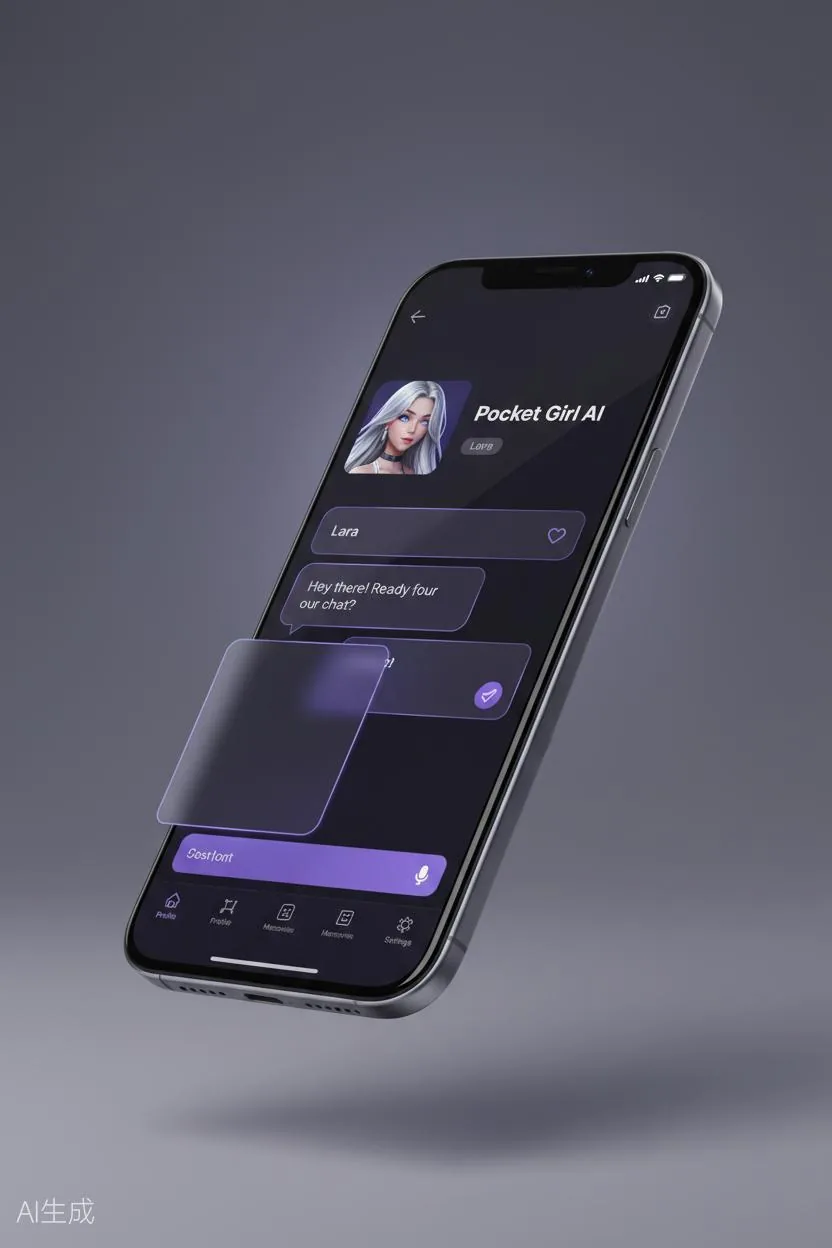
Works on Any Device
The Darlink AI experience works on iPhone, Android, and tablets through any modern browser. The interface adapts automatically to your screen — large buttons on phones, spacious layout on tablets — so chatting feels natural no matter what device you are holding.
No app store download required. Just visit darlink--ai.com on your device and start a conversation.
Supported Browsers
Darlink AI works on Safari, Chrome, Firefox, and Edge. For the smoothest experience, keep your browser updated to the latest version.
Why Go Mobile
Using Darlink AI on your phone or tablet gives you:
- Chat Anywhere: During commutes, breaks, or whenever you need to talk
- Touch-Optimized: Large buttons and responsive design built for fingers, not mice
- Home Screen Access: Add Darlink AI to your home screen for one-tap access
- Privacy on the Go: Conversations stay on your device, like any browser session
Ready to Try It?
Just open darlink--ai.com on your phone or tablet. That is it — your companion is ready. For more characters and deeper conversations, check out Premium.
AI companion access on mobile and desktop
The responsive site adapts to phones, tablets, laptops, and desktop screens. Open the same web address on your preferred device—there is no separate mobile URL to remember.
No-download browser experience
A browser-based companion app avoids a compulsory store installation and lets you explore characters immediately. A stable internet connection and a modern browser provide the best experience.